
Railway
Guide to deploy LogChimp on Railway
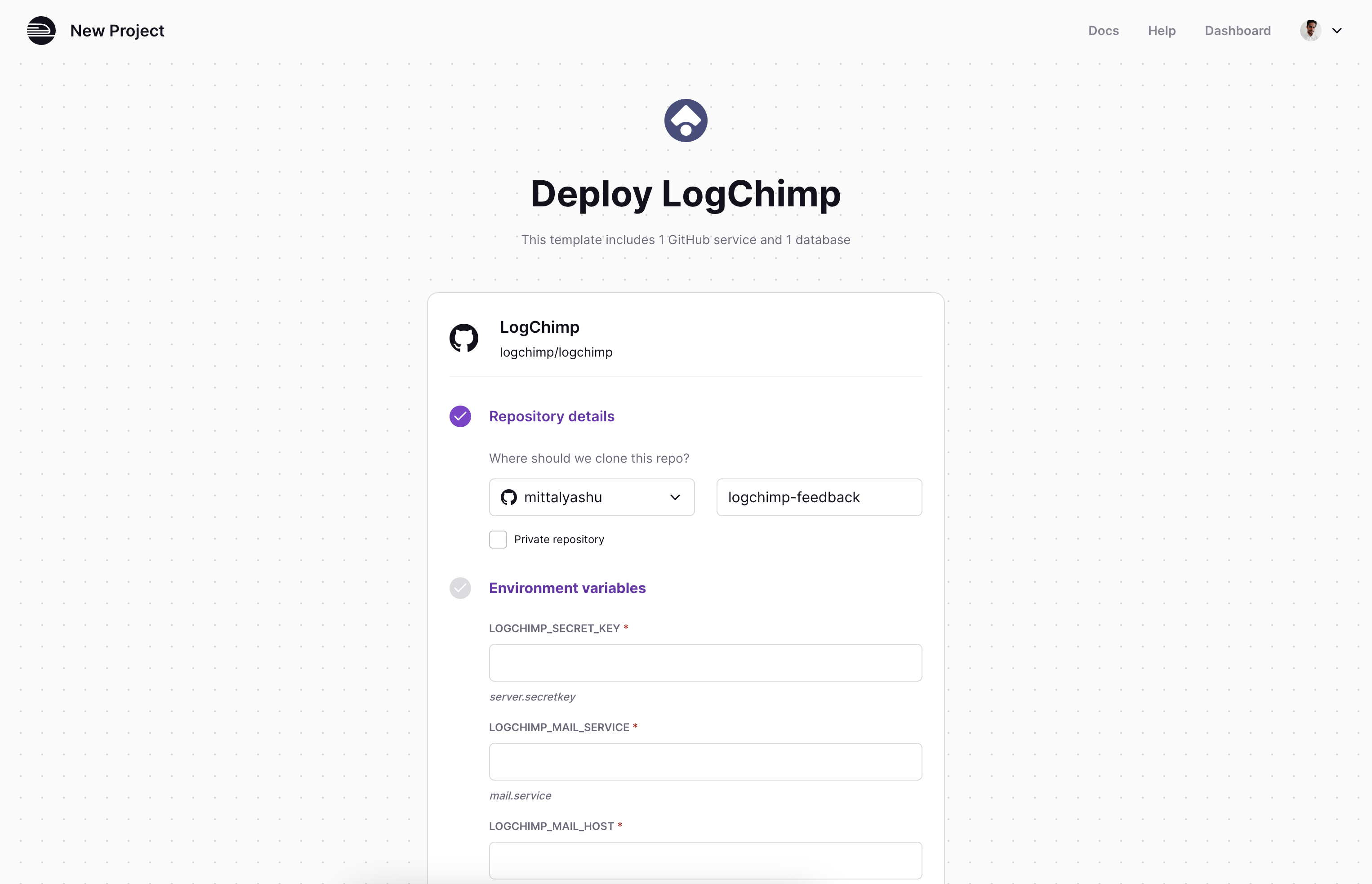
There are many ways to install LogChimp. With Railway, you can get started with just a few easy steps. Click the Deploy button, review the services, and hit deploy. It's that simple.

Most the environment variables are pre-configured for you. You can learn more about them here.
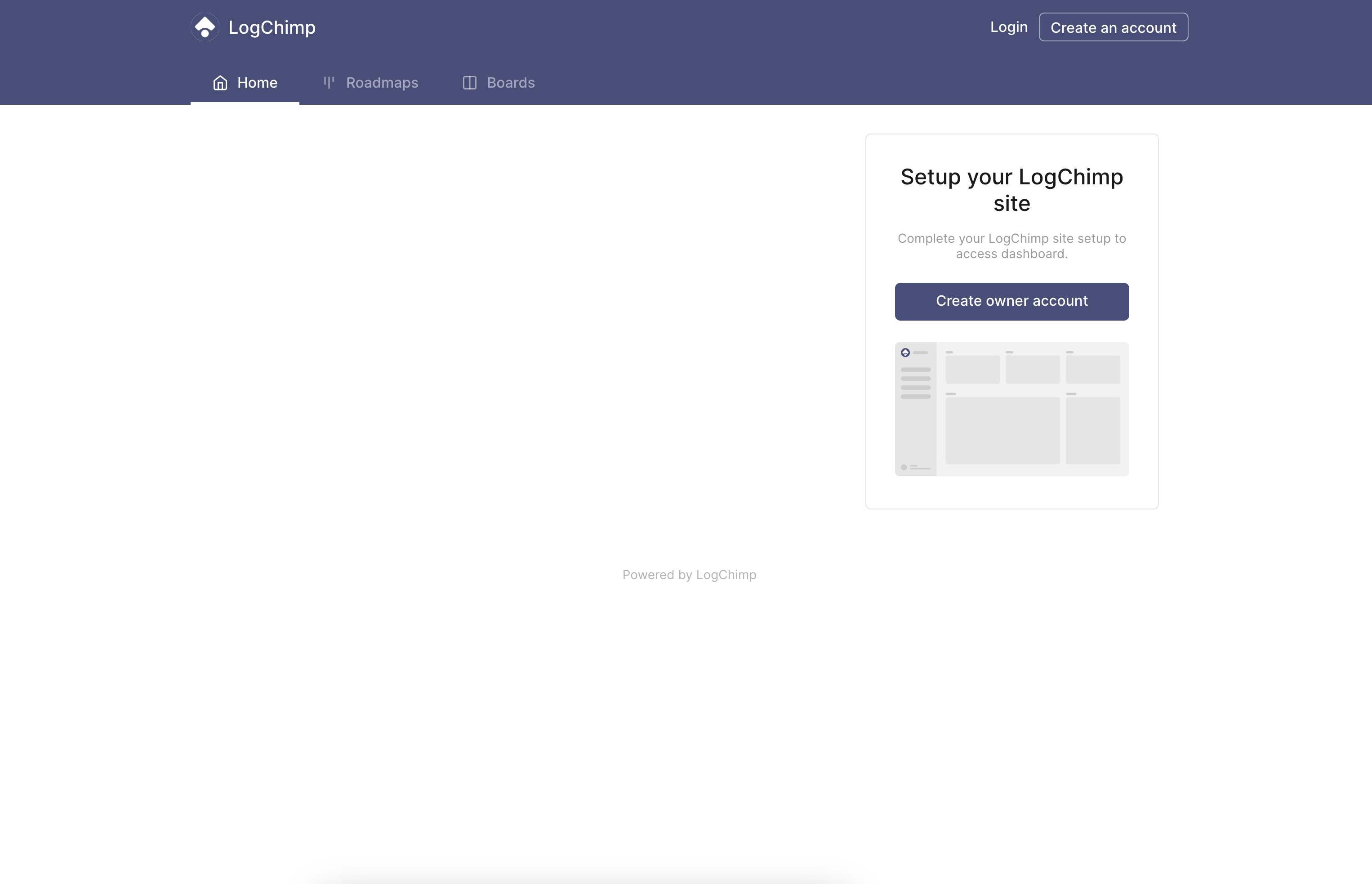
And there you go... 🚄, you should be able to access LogChimp.
Your LogChimp site is ready to accept your customers' feedback with ease. 🎉
Behind the scenes
This template will auto-provision the following services for you:
- LogChimp API
- LogChimp Theme
- PostgreSQL database
- Valkey Caching
- Database migration
You can always customize the secret keys and other environment variables.
Railway provides an easy way to generate a 32-character secret key by pressing Command + K (on MacOS) or Ctrl + K (on Windows). Of course, you can provide your own secret key as well.
Next Steps
Congrats on successfully installing LogChimp.
Phew! That was a lot of work! Let's move to next step.